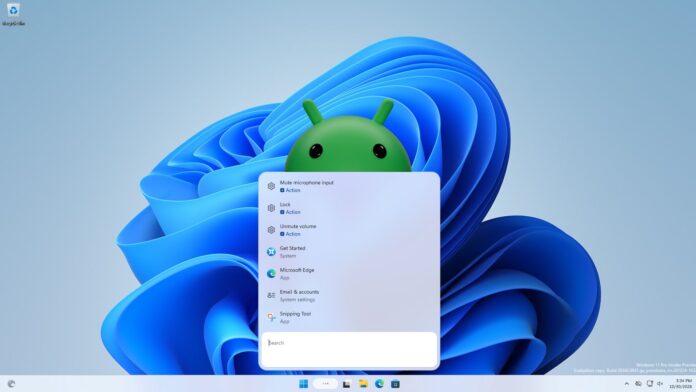
Microsoft removed Android apps on Windows 11, but they’re back in the taskbar search, streaming from your phone

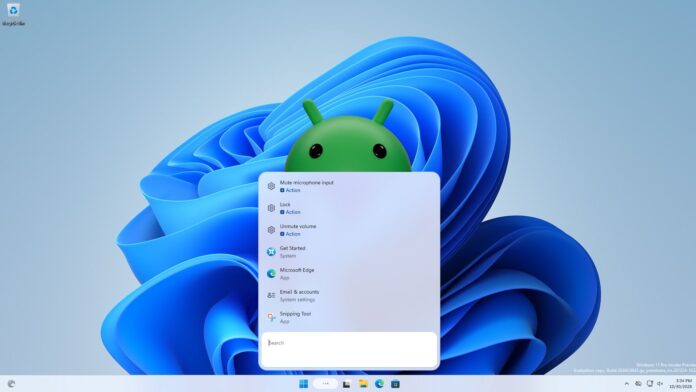
Windows Latest found that the new Windows 11 taskbar search can open apps from your Android phone. When I typed Bluesky in the search on my Surface laptop, the app installed on my Samsung phone showed up as “Mobile app” result, and clicking Open launched Bluesky on the phone and mirrored it to my PC via Phone Link!
Microsoft has since confirmed that Search can call, text, and enable Do Not Disturb on a connected phone, but its release notes don’t mention opening phone apps. I found it while testing the new search, and truth be told, it’s one of the most interesting Windows and Android tricks I’ve seen.
Windows 11 search now shows Android apps on your phone
For this test, I used my Surface Laptop 7th edition running Windows 11 26H2, build 26340.9767in the Experimental channel, associated with a Samsung Galaxy A26 running Android 16.
I searched for Bluesky and saw a result named Bluesky with “Mobile App” below it, right at the top. Below that were the usual Bing suggestions and a few PNG files from my PC. So the search treats the phone app like any other app result.
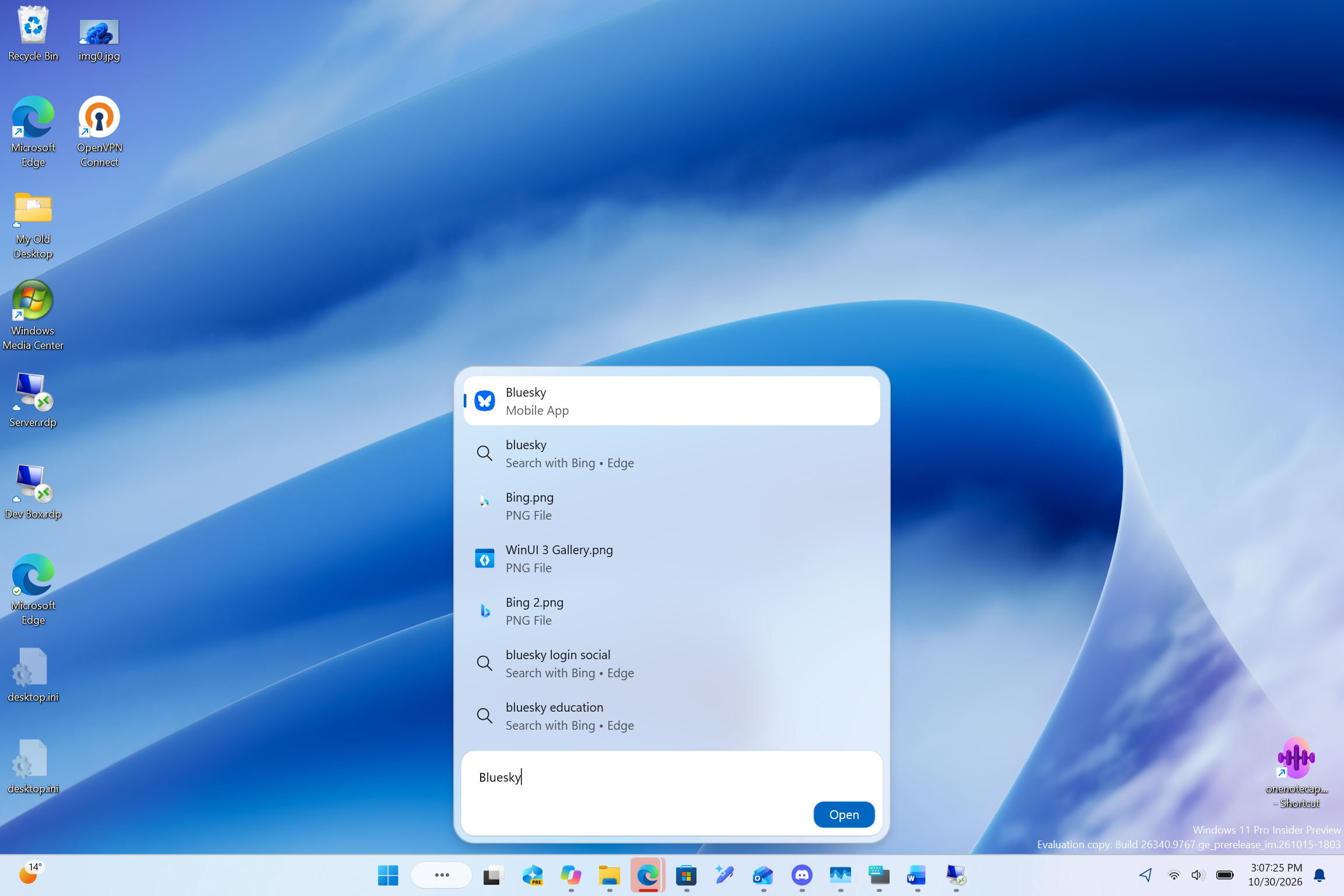
The search gives related Android apps the same entry point as Windows software. To me, this looks like another attempt to reduce cases where we have to first open the Phone Link app and then mirror an app from our Android phone. Just type the app name and tap Open. It’s convenience for victory!
Selection of result mirrors Android app via Phone Link
Clicking Open launched Bluesky on my phone, and a Phone Link “Phone Screen” window appeared on my PC a moment later, displaying the app with my phone’s status bar at the top.
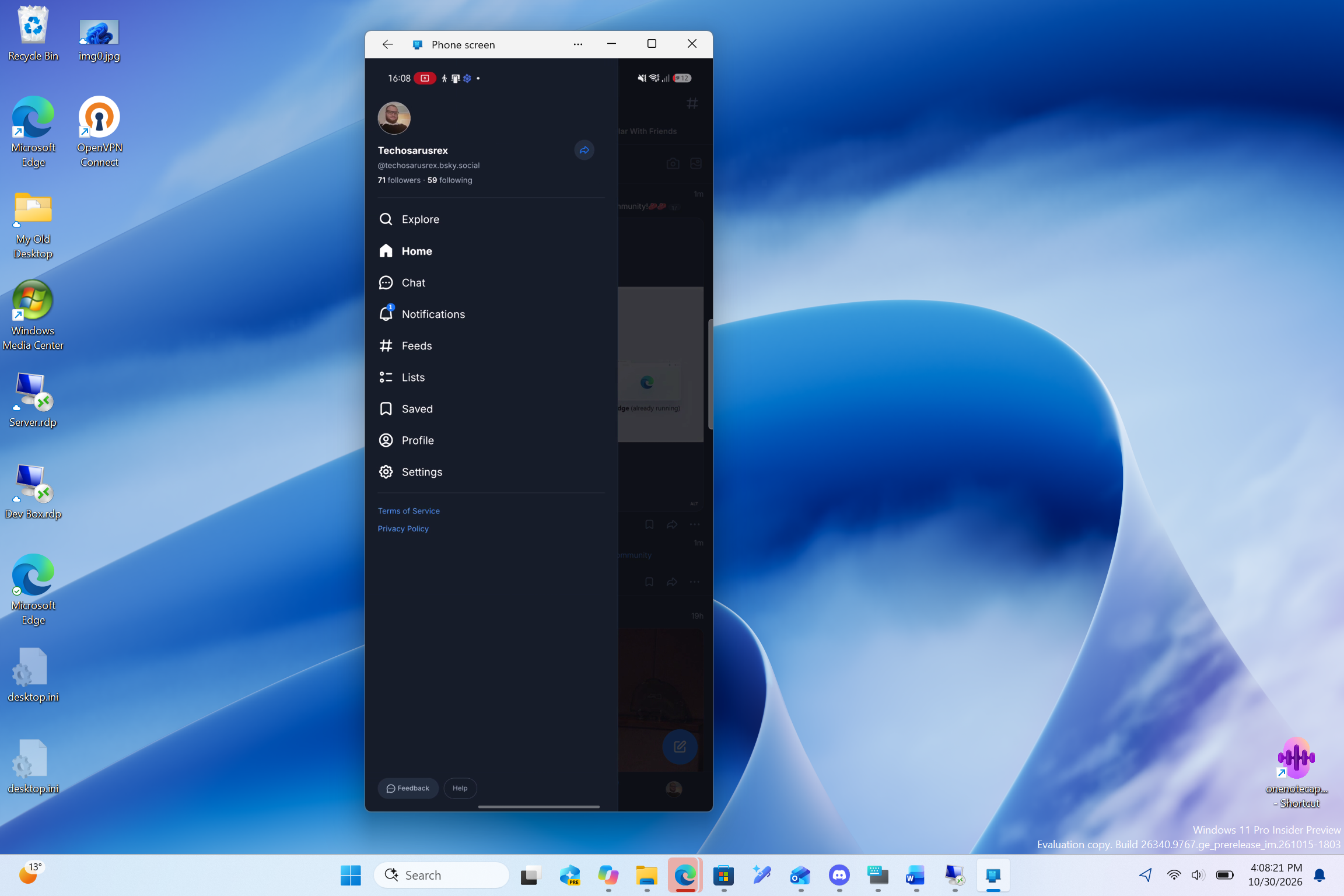
To be clear, Bluesky is not installed on Windows. The application continues to work on the phone and the PC gives it a larger screen, keyboard and mouse. Microsoft removed the Windows Subsystem for Android in March 2025, streaming from the phone is now the only official way to use Android apps on Windows 11.
Yes, you can already open supported Android apps in Phone Link, add favorites, pin them to Start or taskbar, and even run them almost in full screen. Search adds another way to access, without creating a shortcut first, and if you usually open apps by typing their name, it feels much more natural.
My test only covered opening the app. I haven’t used it long enough to judge its everyday reliability or whether it works with multiple apps.
Microsoft confirms phone actions in Windows 11 search
On October 30, Microsoft released version 26340.9843 with more features for the new Windows Search. “With a supported phone connected via Phone Link, you can now call or text a friend and access phone actions such as Do Not Disturb” Microsoft said, adding that “Android support is now available and iPhone support will be available early next year.”
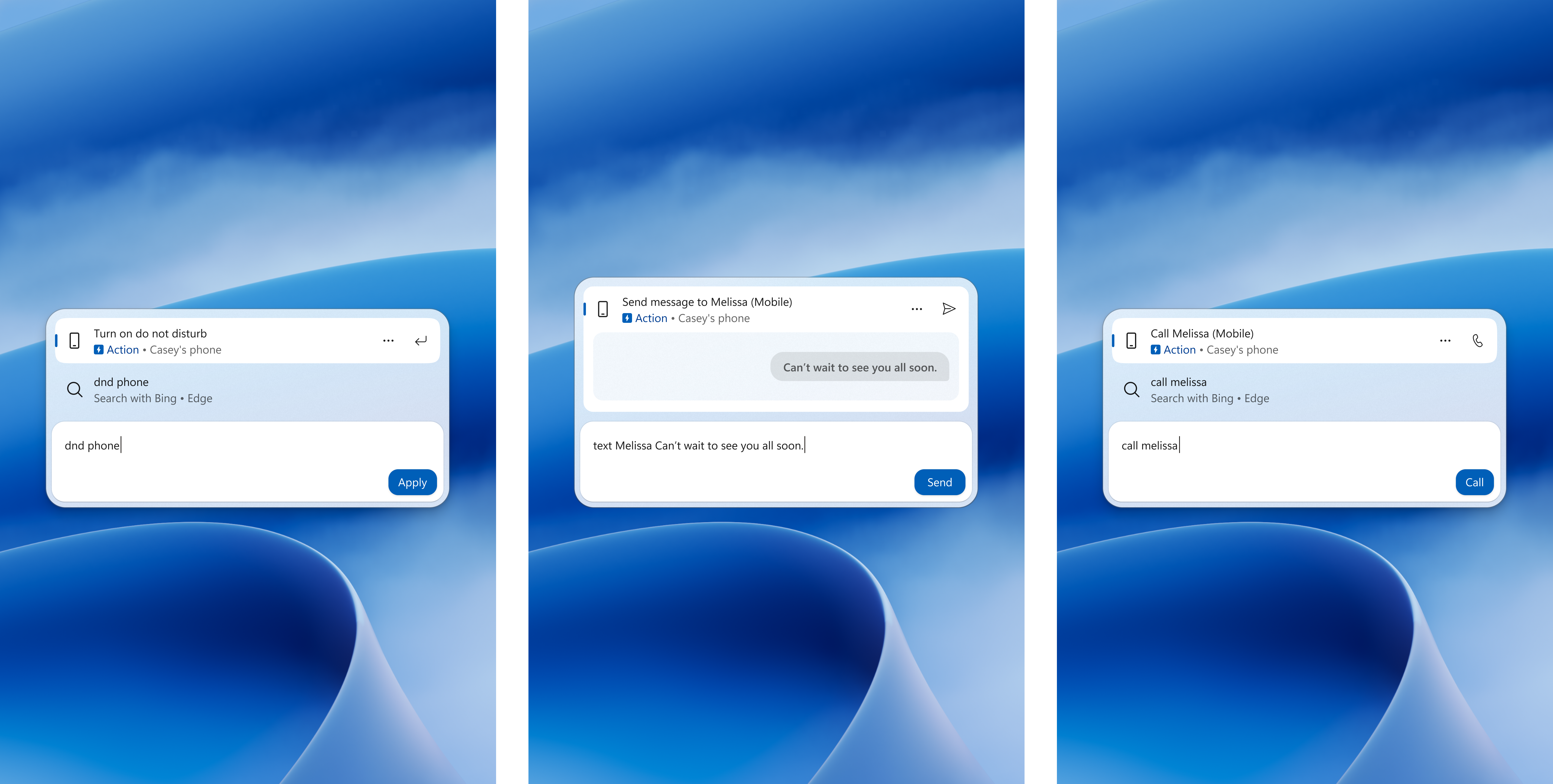
In the Microsoft screenshots, typing “dnd phone”, “text Melissa”, or “call Melissa” displays an action result for the phone with an Apply, Send, or Call button. Opening phone apps isn’t shown yet, but it matches perfectly with these actions and phone commands that Microsoft is testing in Quick Settings.
Which Android phones work with apps in Windows Search
Only certain phones associated with Phone Link can stream apps. According to the requirements of Microsoft’s Phone Link apps, you need to select Samsung, HONOR, OPPO, ASUS, vivo or Xiaomi phones with Link to Windows pre-installed, running Android 10 or newer, connected to the Wi-Fi network used by your PC. Pairing for calls and messages does not mean app streaming will work.
The new search is also rolling out gradually to Insiders, and Microsoft hasn’t said when Phone Actions will reach everyone, let alone my discovery of Phone apps showing up in Windows Search. Anyway, results may differ between configurations, so take my test as a first look.
Credit where it’s due, typing the name of an app on my PC and opening it from my phone feels like the kind of Windows and Android integration Apple fans brag about with iPhone Mirroring. I just hope Microsoft keeps it reliable when it reaches everyone.
Gn tech