Skip to content
-
Subscribe to our newsletter & never miss our best posts. Subscribe Now!
Today's News. Tomorrow's Perspective. Today's News. Tomorrow's Perspective.

Deliver fast, factual, and easy-to-understand news covering global events, technology, business, science, AI, health, entertainment, and lifestyle.

Today's News. Tomorrow's Perspective. Today's News. Tomorrow's Perspective.

Deliver fast, factual, and easy-to-understand news covering global events, technology, business, science, AI, health, entertainment, and lifestyle.

  • Home
  • Breaking News
  • Business
  • Sports
  • Health
  • Politics
  • Technology & AI
  • World
  • Home
  • Breaking News
  • Business
  • Sports
  • Health
  • Politics
  • Technology & AI
  • World
Close

Search

  • https://www.facebook.com/
  • https://twitter.com/
  • https://t.me/
  • https://www.instagram.com/
  • https://youtube.com/
Subscribe
Verizon will charge you $10 per month for iPhone transfer
Technology & AI

Verizon will charge you $10 per month for iPhone transfer

By adminvoxa
October 17, 2026 2 Min Read
Comments Off on Verizon will charge you $10 per month for iPhone transfer

Developers are now required to filter non-consensual intimate images.

AppleiPhone Apple

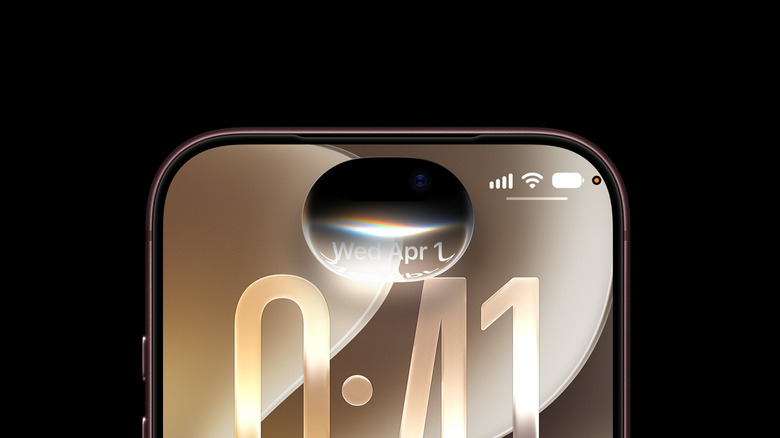
Verizon will offer Apple’s new iPhone Handoff feature for iOS 27, but it will cost you $10 per month. The carrier claims that the feature is “coming soon” to its network in its announcement, where it also revealed that it is offering the iPhone Duo. If you recall, the feature launched on T-Mobile in the US, which charges $5 per month, and on Deutsche Telekom in Germany. iPhone Handoff lets you use the same eSIM number on two devices, as long as they both run iOS 27 and share the same Apple ID.

However, phones cannot use the same number at the same time: you will have to choose which one is actively using the shared number at any given time. However, you can change your main device at any time. Your calls, messages, and Find My are automatically forwarded to the iPhone you’re currently using, and your iCloud backups are synced across devices.

To configure iPhone Handoff, go to Settings > Cellular > Set up cellular or add eSIM on your new phone. Select iPhone > Continue > Transfer. To switch between your two iPhones, simply unlock the device you want to start using. You don’t need to do anything else: you will simply see a message that says “Switched to this iPhone” at the top of the iPhone screen. Apple advises making sure your iPhones have passcodes to keep control of who is actively using your number.

Gn tech

Post Views: 2
Author

adminvoxa

Follow Me
Other Articles
Exclusive: Musk tells Isaacson that 'AI and robots' will have to fill the gap
Previous

Exclusive: Musk tells Isaacson that ‘AI and robots’ will have to fill the gap

Scientists discover how deep sleep builds muscle, burns fat and stimulates the brain
Next

Scientists discover how deep sleep builds muscle, burns fat and stimulates the brain

Deliver fast, factual, and easy-to-understand news covering global events, technology, business, science, AI, health, entertainment, and lifestyle.
  • About Us
  • Accessibility Statement
  • Advertise With Us
  • AI Usage & Transparency Policy
  • Contact us
  • Cookie Policy
  • Corrections Policy
  • Meet Our Team
  • Privacy Policy
    • Disclaimer
    • DMCA & Copyright Policy
    • Editorial Policy
    • Ethics Policy
    • Fact-Checking Policy
  • Terms and Conditions
Copyright 2026 — Today's News. Tomorrow's Perspective.. All rights reserved.